Turn Coding Ideas Into Reality
Snap blocks together like puzzle pieces with no coding skills required
Snap blocks together like puzzle pieces with no coding skills required
Drag, drop, and create amazing projects with visual blocks
Build, code, and play with a hardware physical or virtual kit. No experience needed! Unda:Play uses simple drag-and-drop blocks to bring your hardware creations to life.
Intuitive visual programming with pre-built logic blocks
Complete reference material covering every feature and block in the application
AI powered explanations for code snippets to help users understand logic
Extra app features such as flashcard, crossword, and wordsearch to reinforce learning
Interactive examples allowing users to get started, test, experiment and learn programming
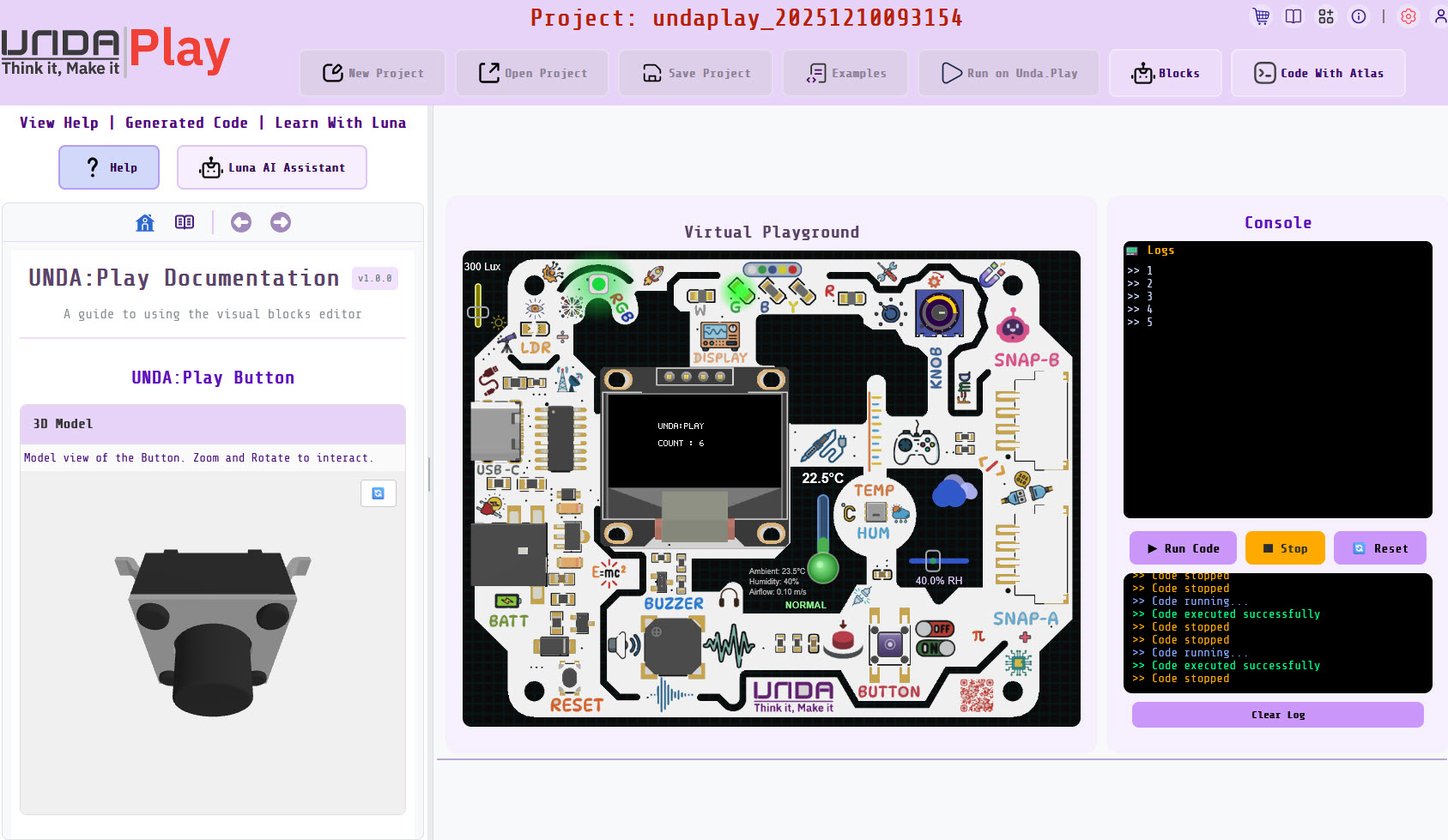
Simulate temperature sensors, actuators, LEDs, and more in a fully interactive virtual environment. Perfect your code before touching real hardware.
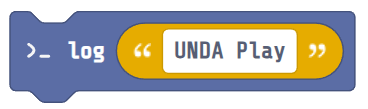
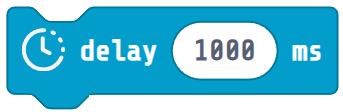

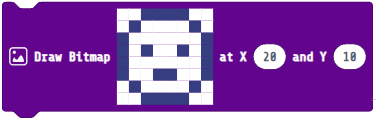

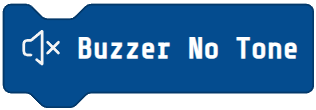




Build projects without writing a single line of code
Discover a complete suite of powerful features designed to help you code, build, and learn faster than ever before.
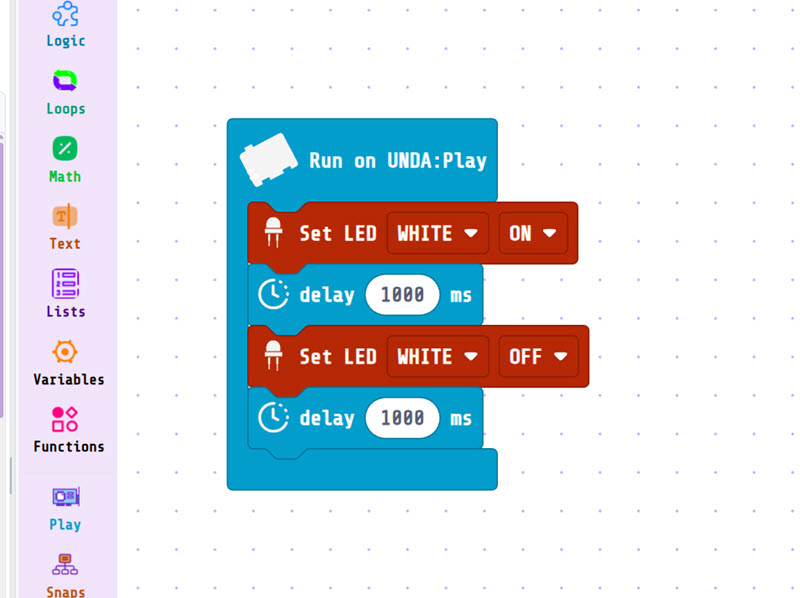
Build projects without writing a single line of code
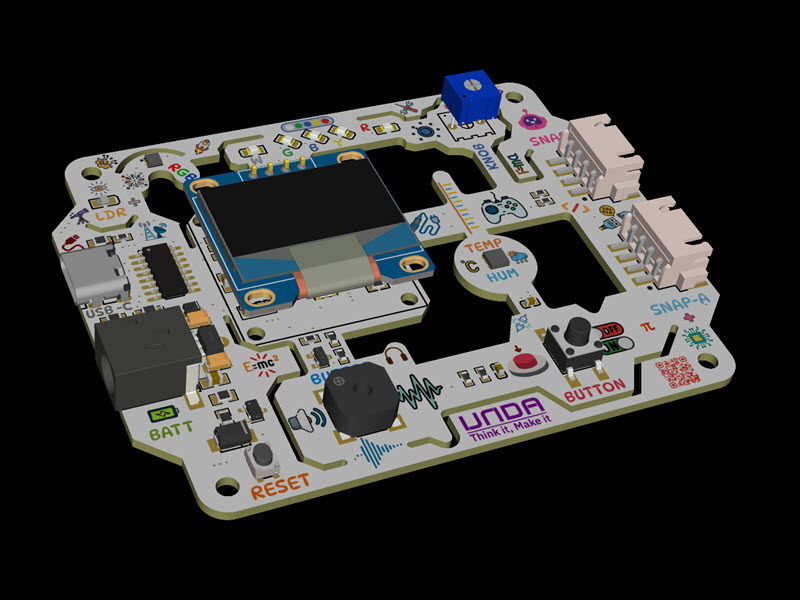
Connect and control kit sensors and LEDs with simple blocks
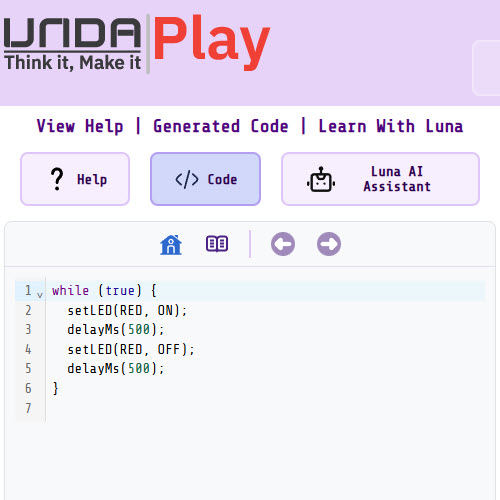
Hands-on experience with instant feedback
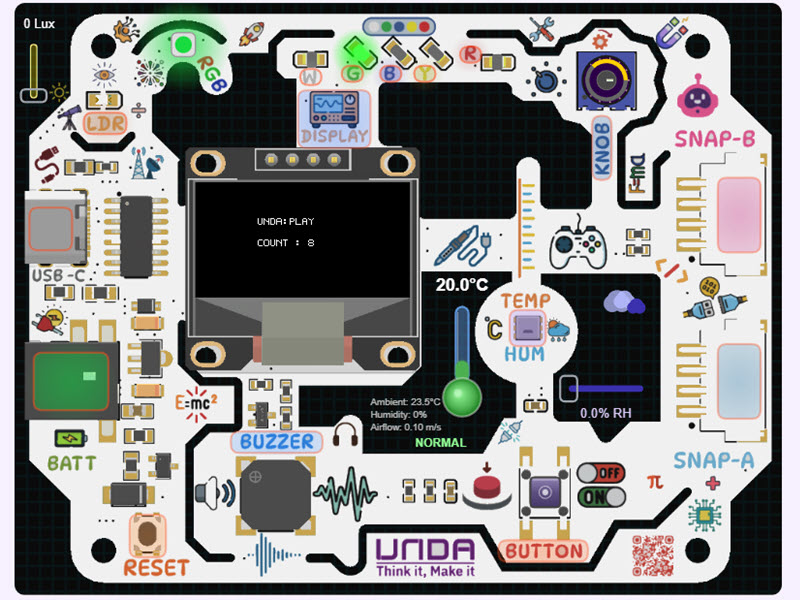
Create games, music, and smart devices with the simulator or kit
Explore hardware projects created entirely with Unda:Play
Blink an LED at set intervals
Flash LEDs at set intervals one at a time
Randomly change RGB LED color
Scroll text on the display. Left to right
Play Twinkle notes
Increase or decrease light intensity to set white led ON/OFF
All Unda:Play products are designed and manufactured in-house. This means, better quality control and faster delivery times.
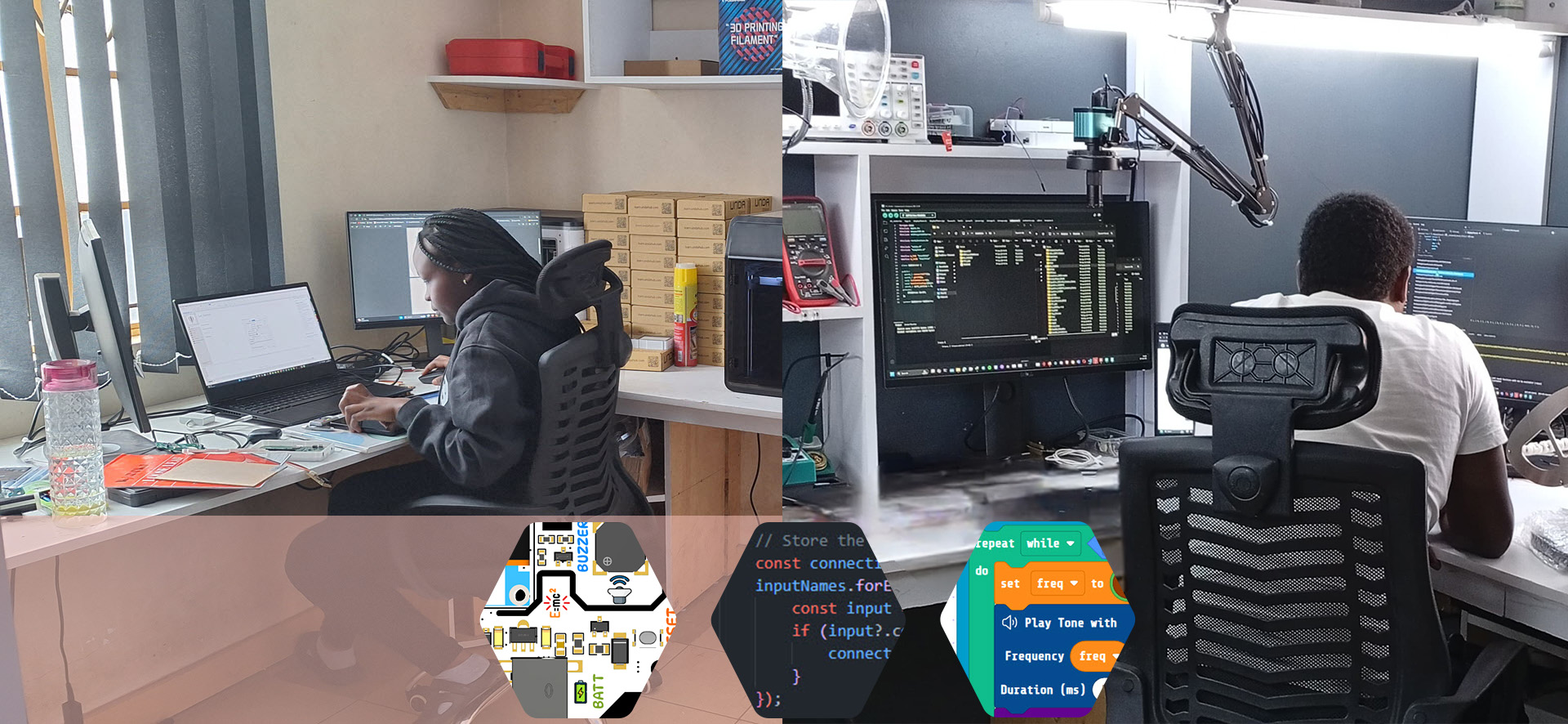
Transform your creative ideas into reality with Unda:Play. We bring your vision to life with precision and creativity.
Elevate your institution with powerful STEM tools and resources under Unda Platform.